BST
Business Strategy
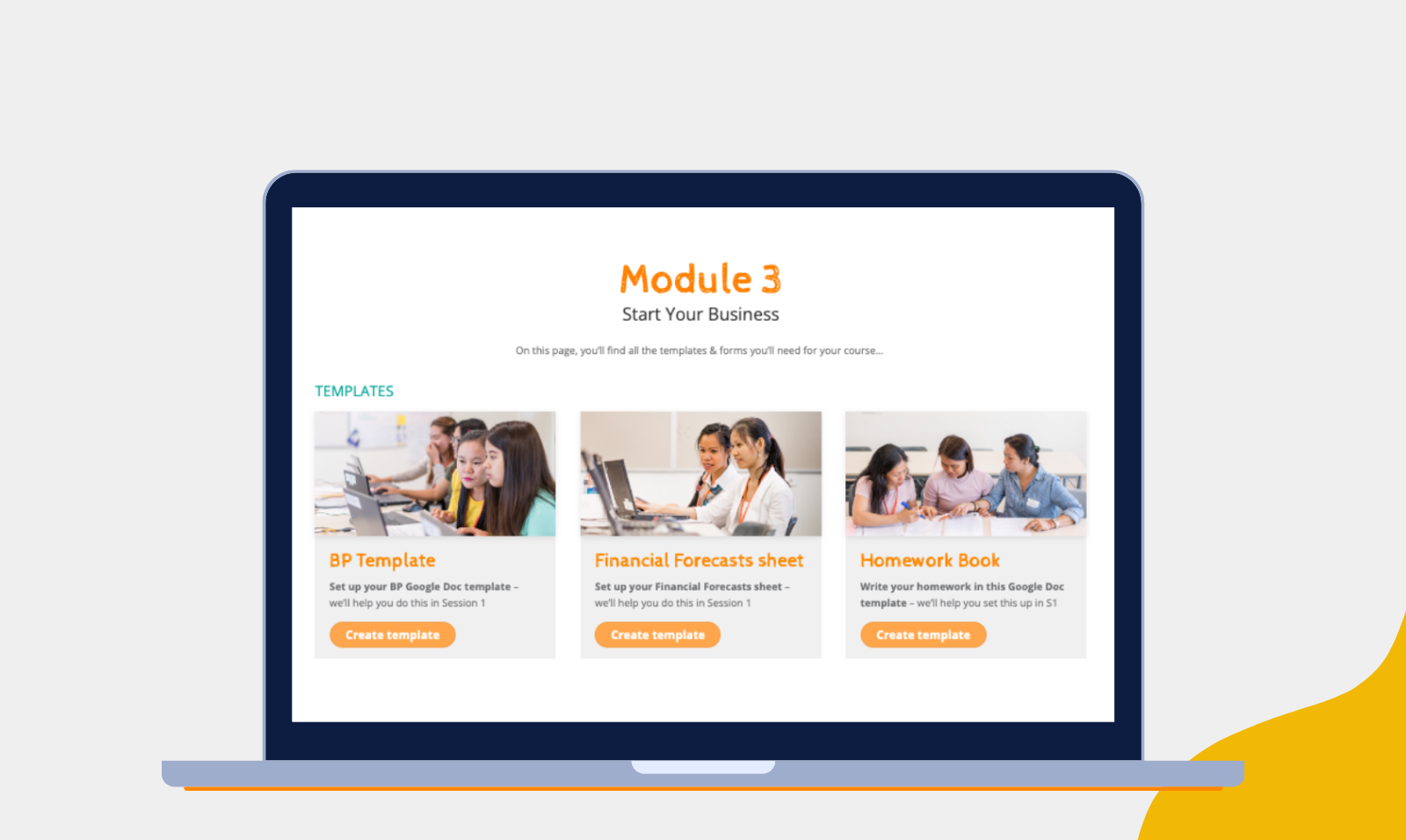
On this page, you’ll find all the templates & forms you’ll need for your course…
TEMPLATES
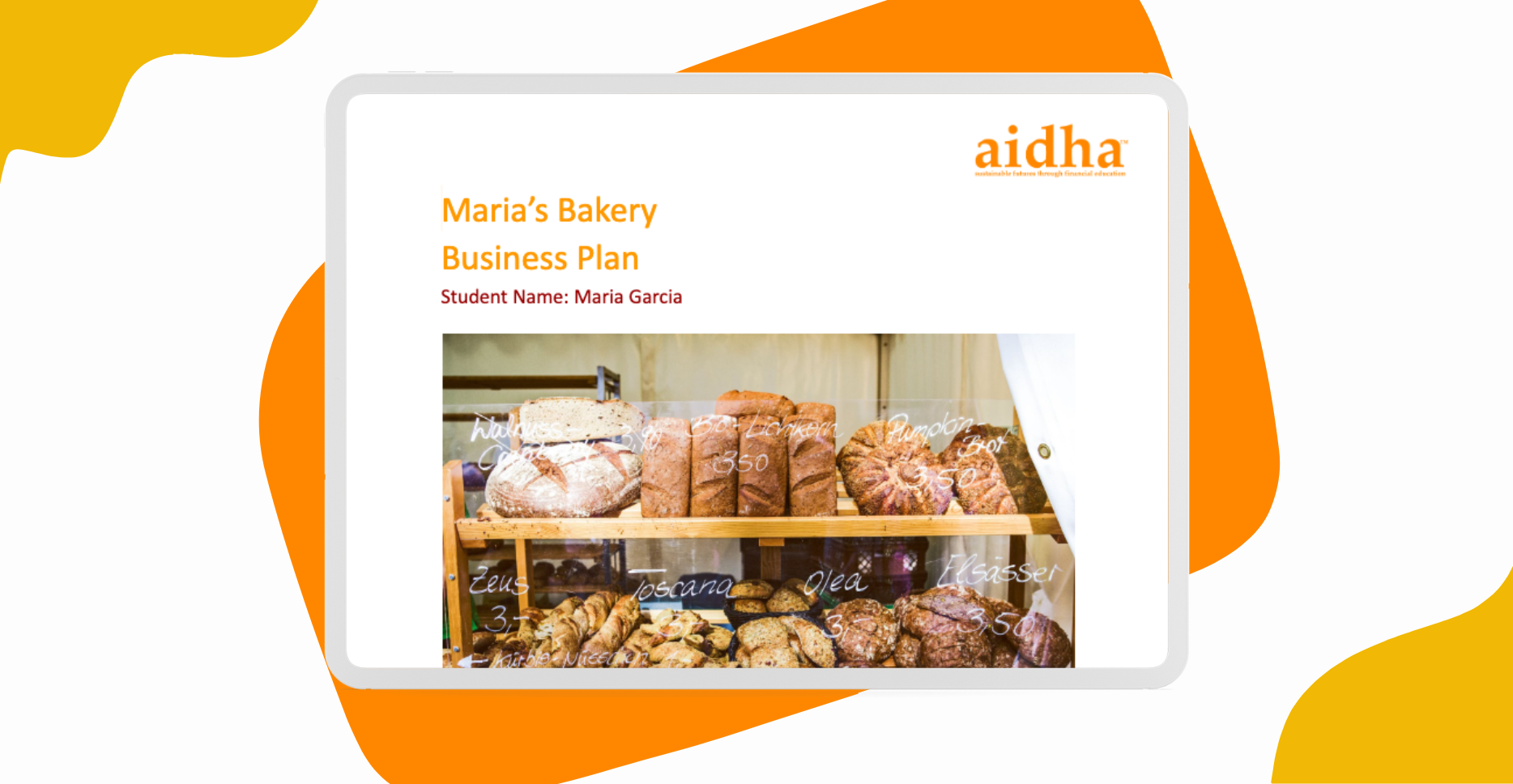
BP Template
Set up your BP Google Doc template – we’ll help you do this in Session 1
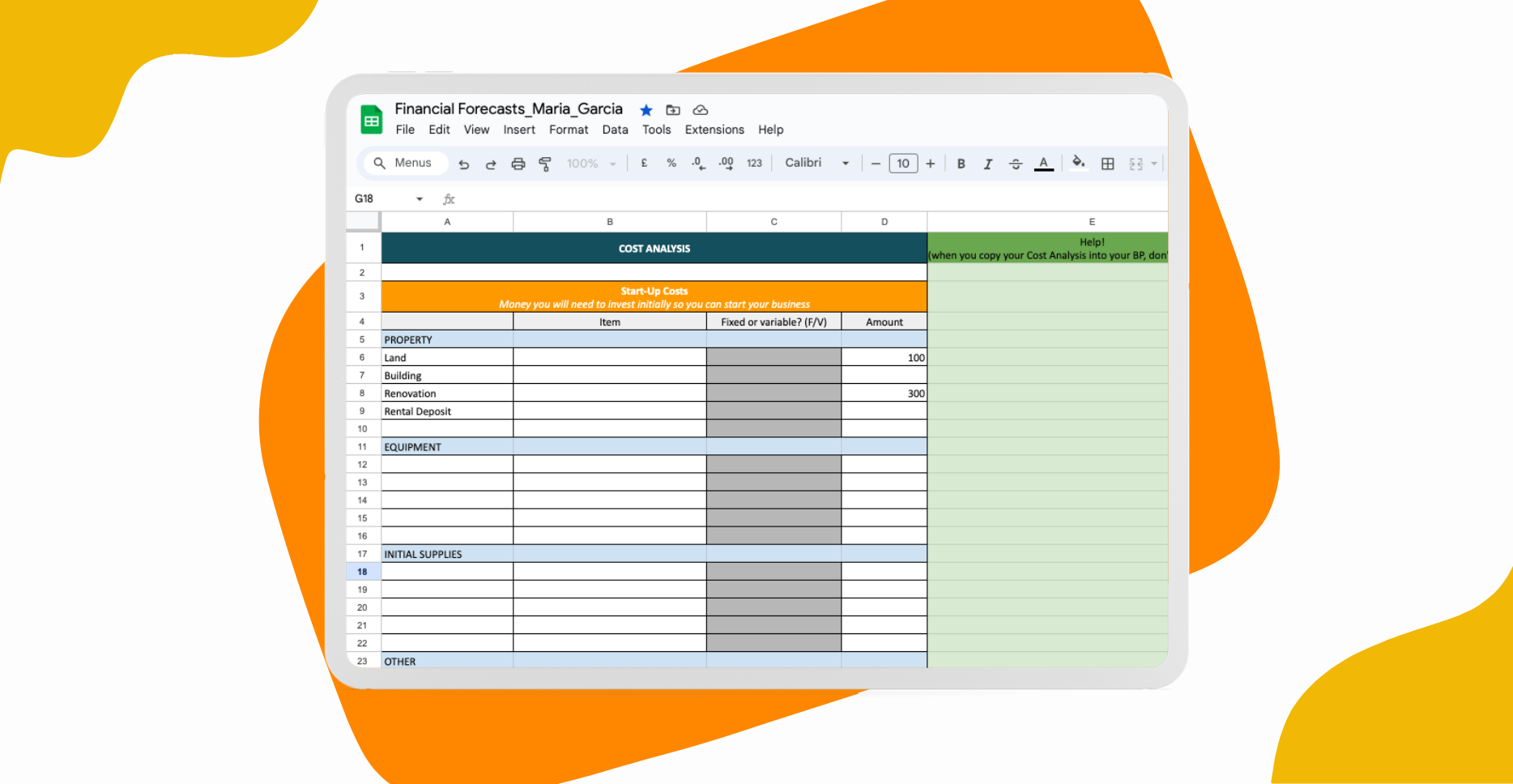
Financial Forecasts sheet
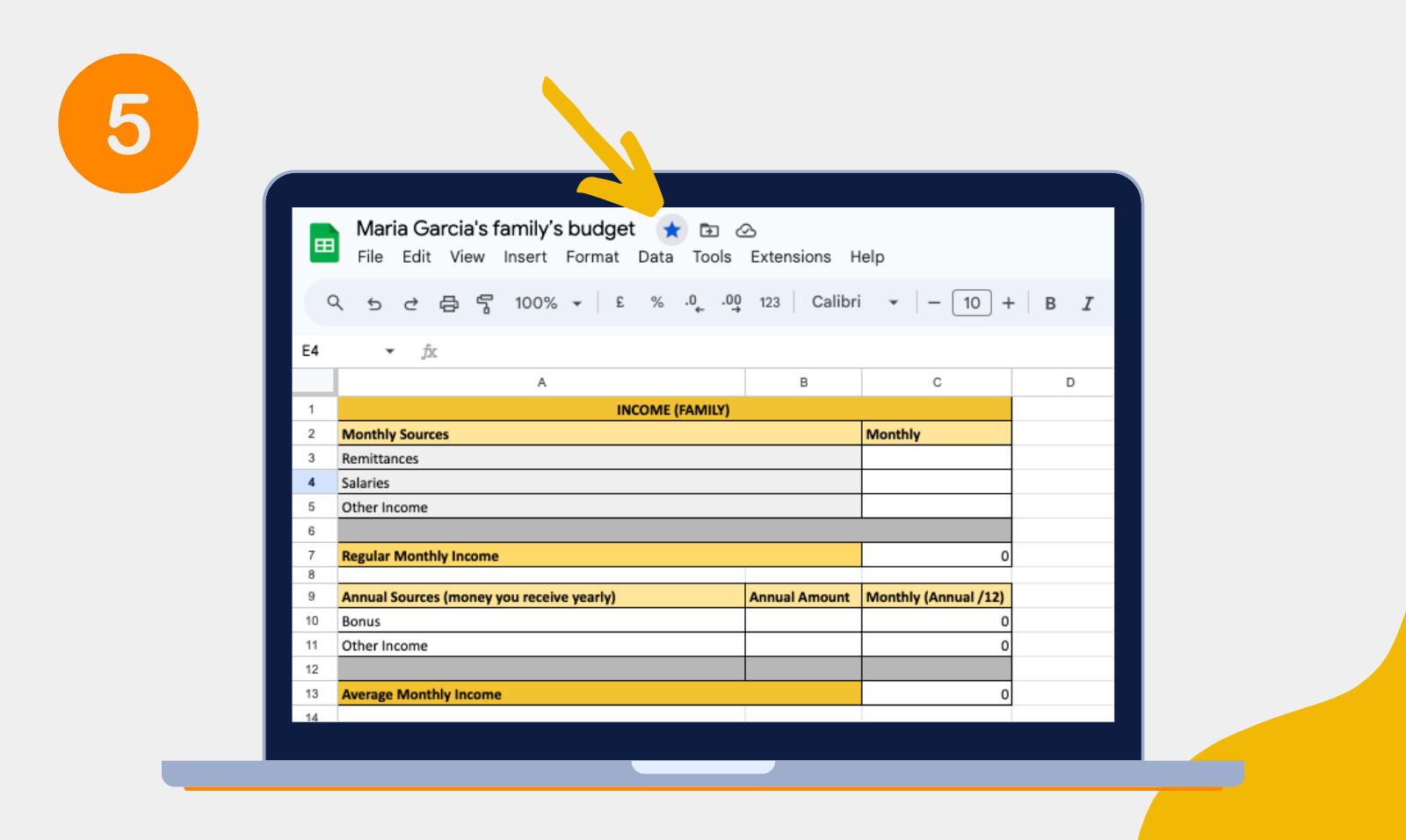
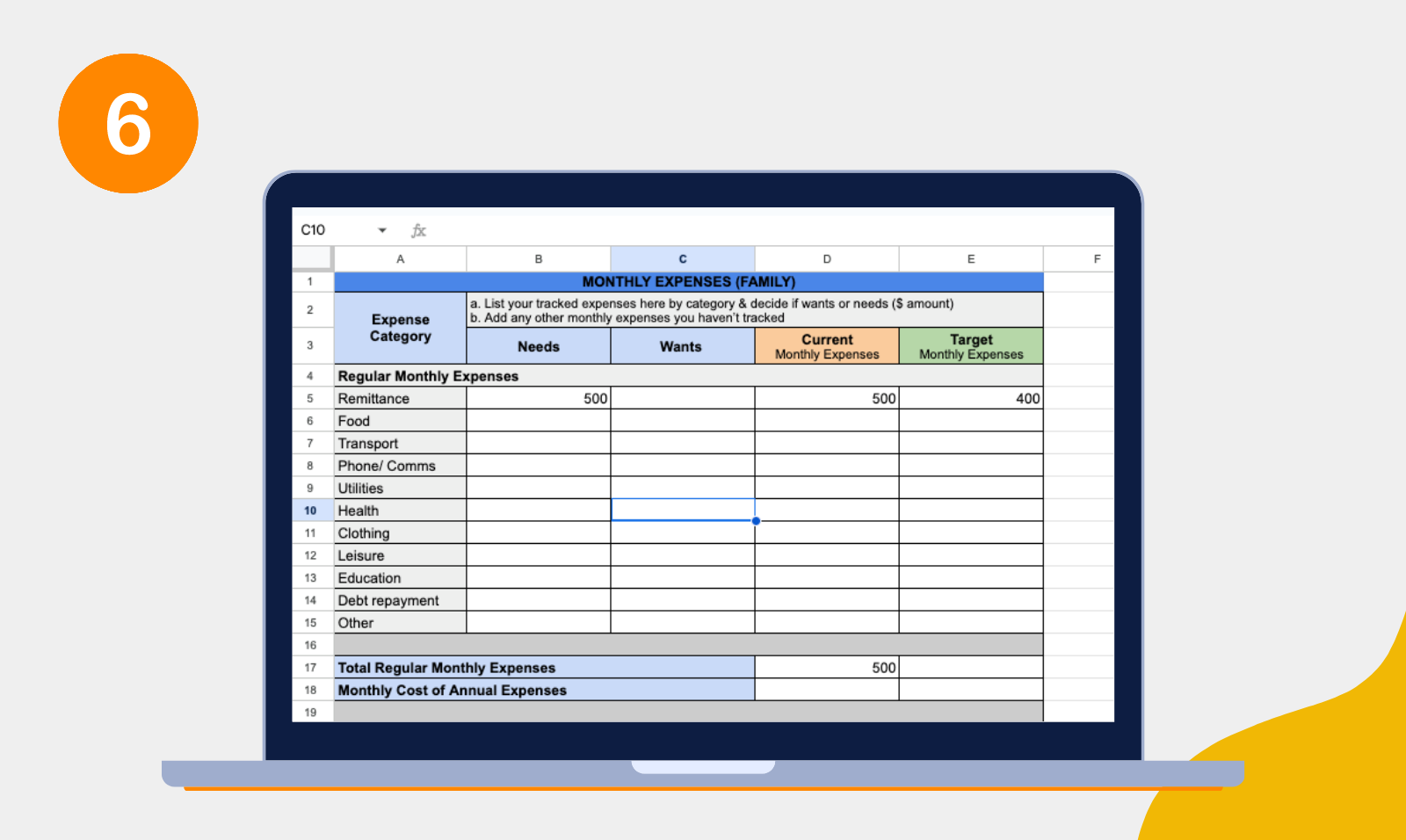
Set up your Financial Forecasts sheet – we’ll help you do this in Session 1
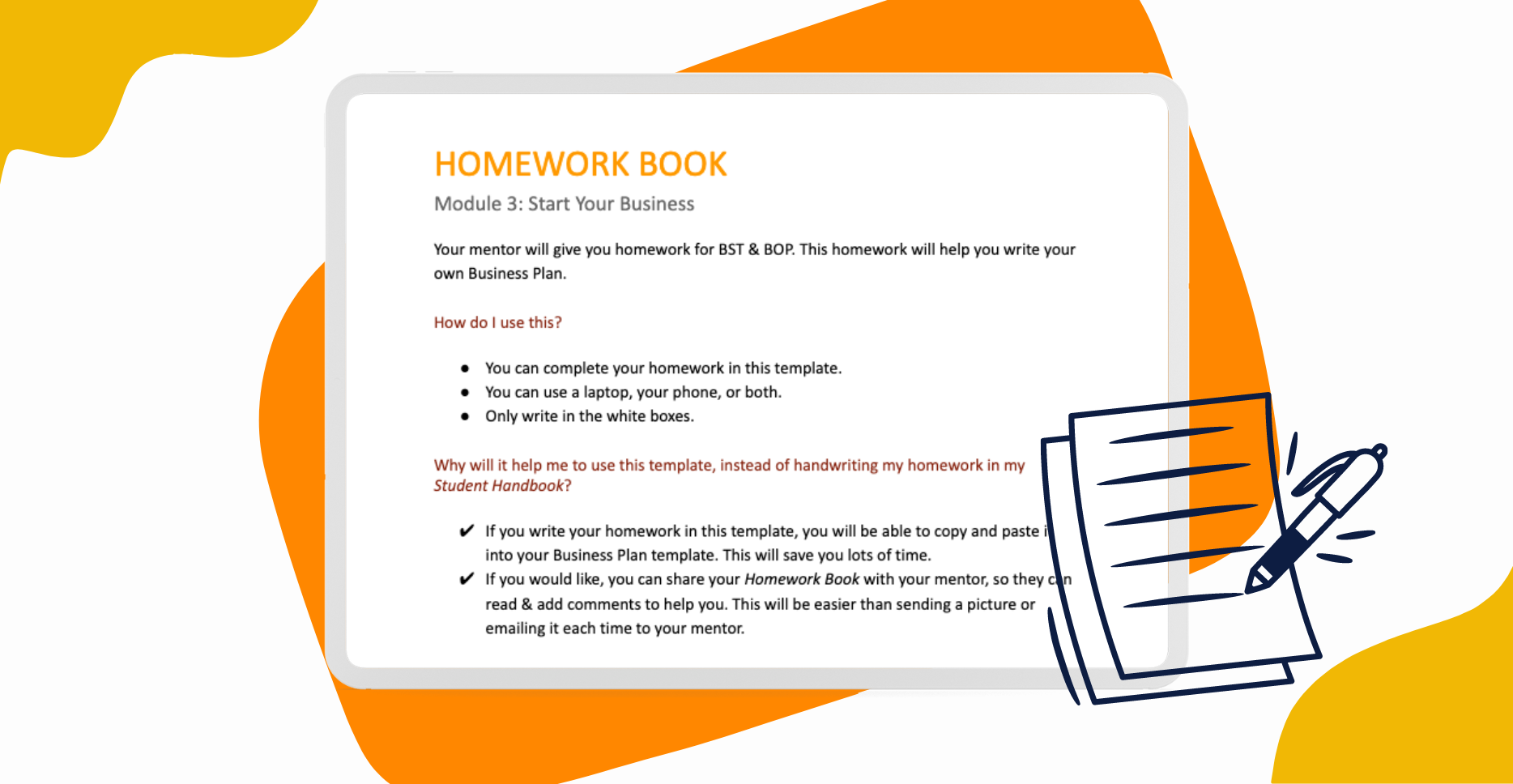
Homework Book
Write your homework in this Google Doc template – we’ll help you set this up in S1
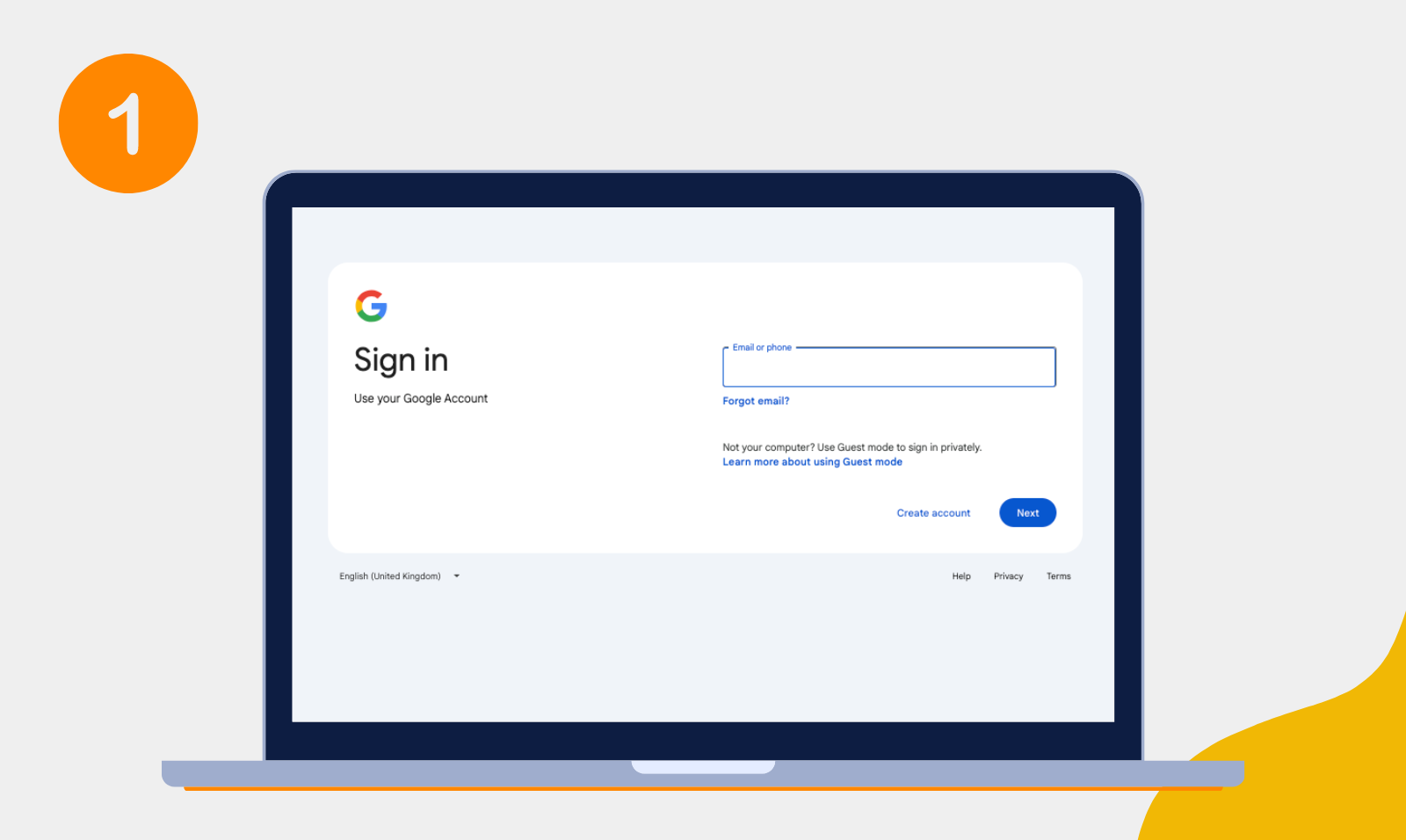
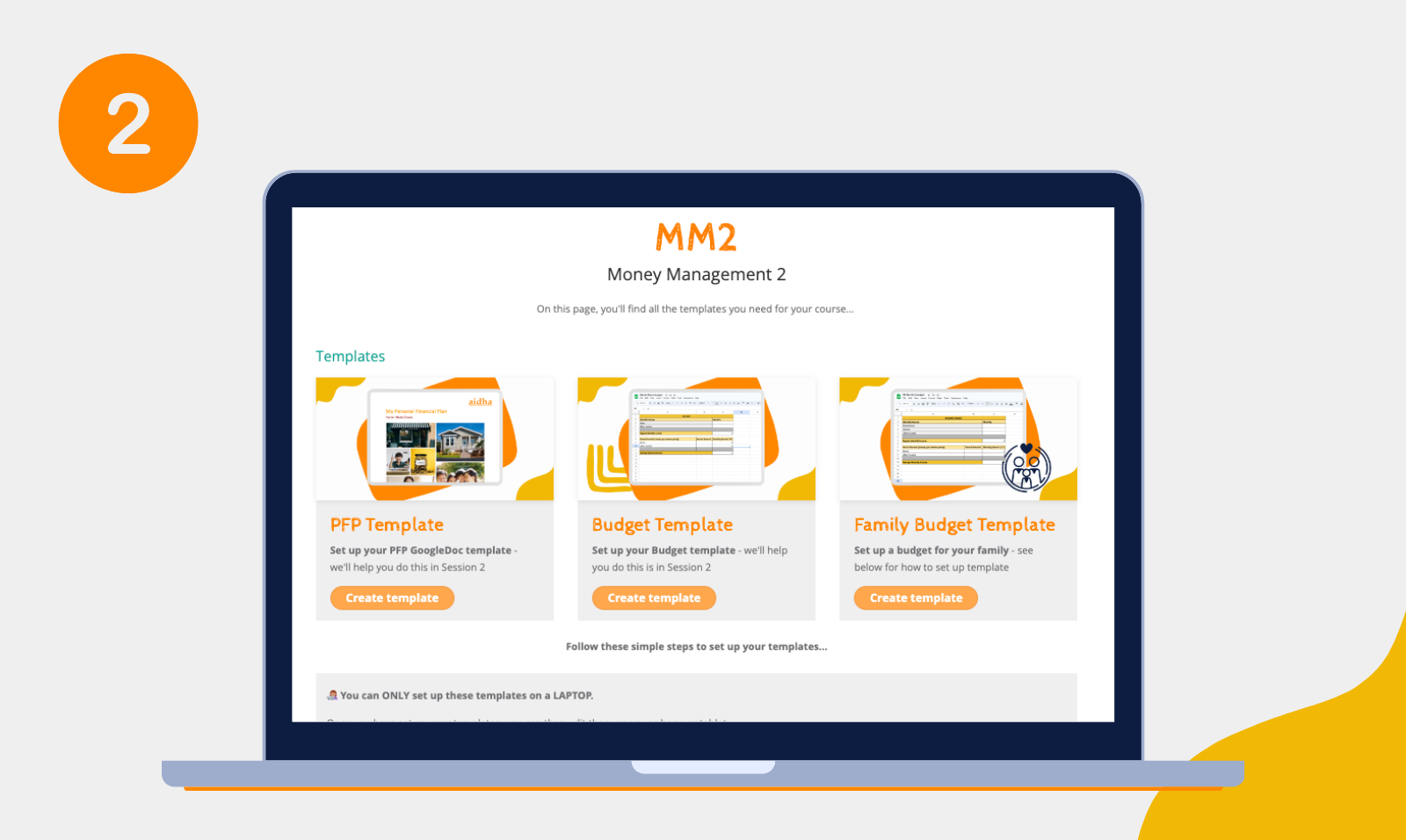
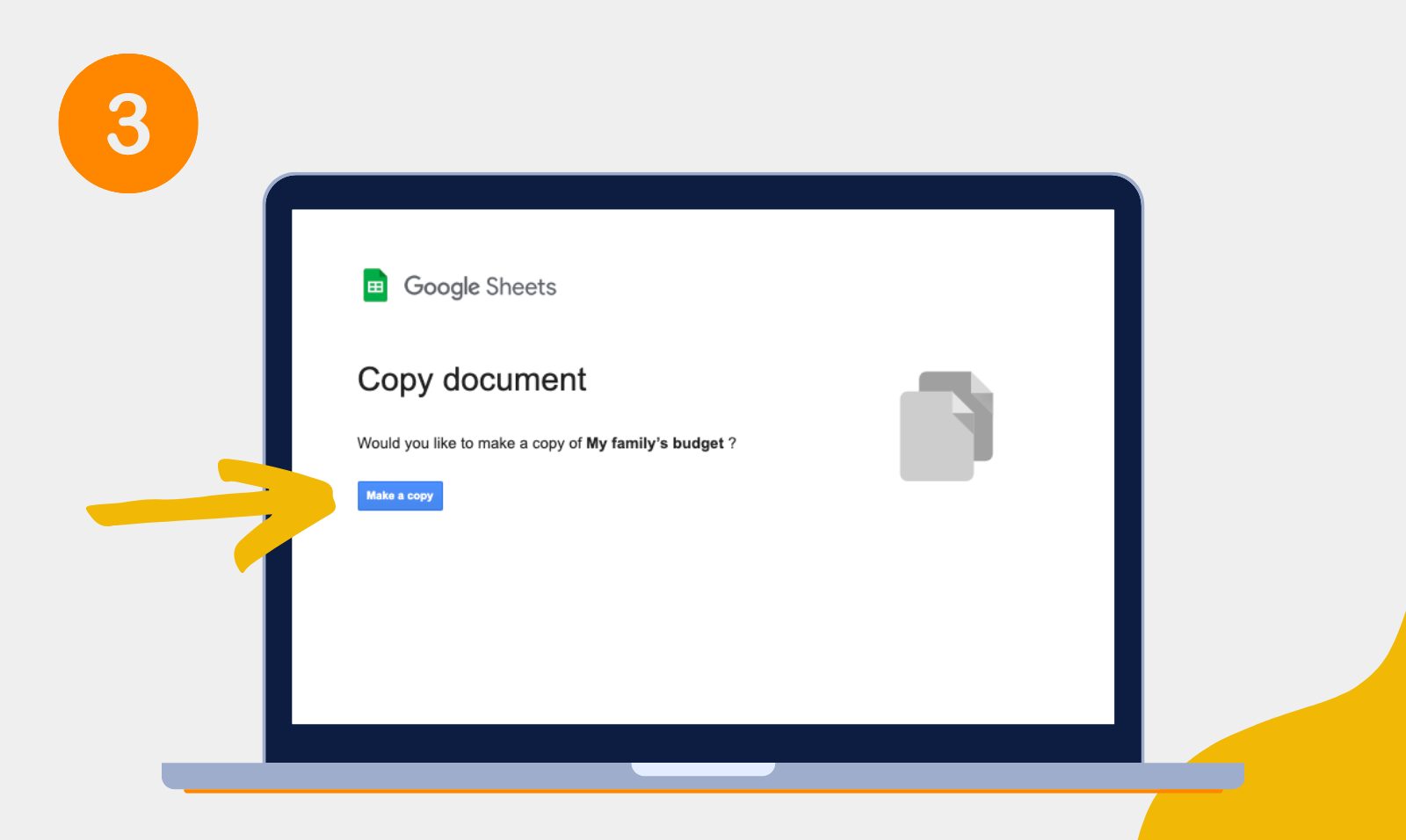
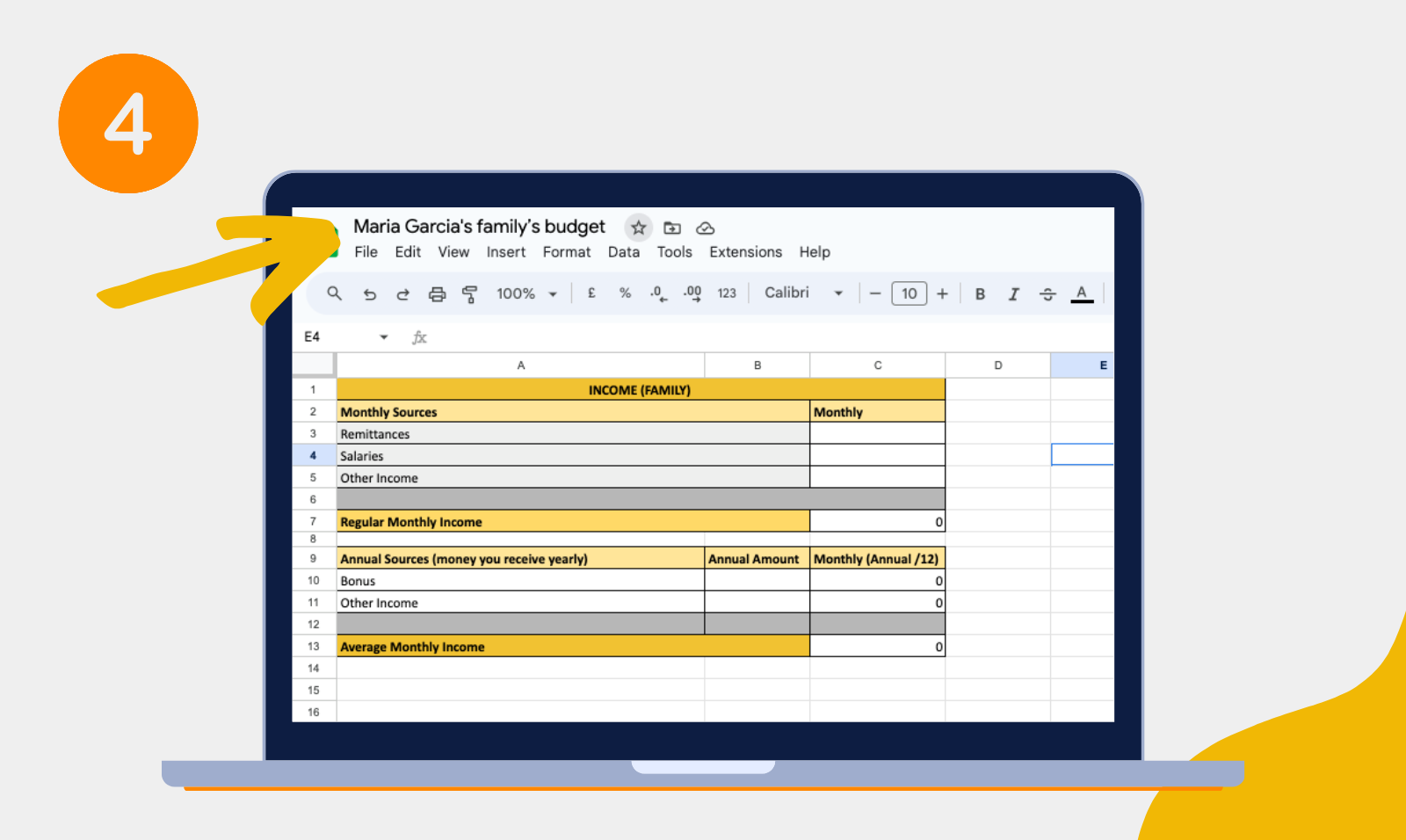
Follow these simple steps to set up your templates…
👩🏽💻 You can ONLY set up your templates on a LAPTOP.
Once you have set up your templates, you can then edit them on your phone or tablet too.
Your mentor will help you set up your BP Template, Financial Forecasts sheet & Homework Book in Session 1.Please speak to the Campus Team if you need to use a laptop & they will help you.
FORMS
BP Submission Form
Share a link to your BP – we’ll help you do this in Session 8


Tell us your thoughts
Fill out our short survey
Help us learn what went well & what we could do better
Follow us!



Contact us!
You can contact us at
+65 9789 4041