MM2
Money Management 2
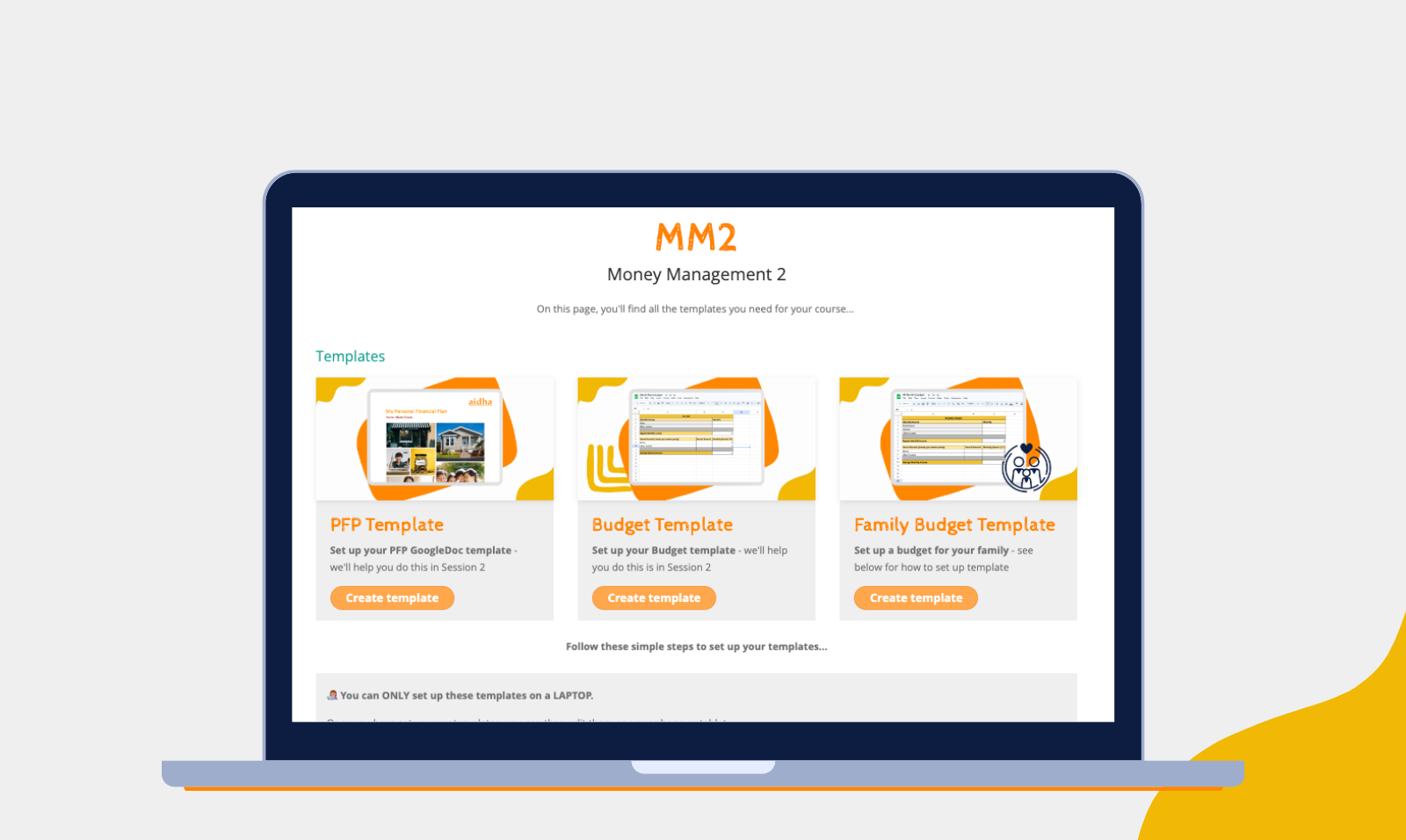
On this page, you’ll find all the templates & forms you’ll need for your course…
TEMPLATES
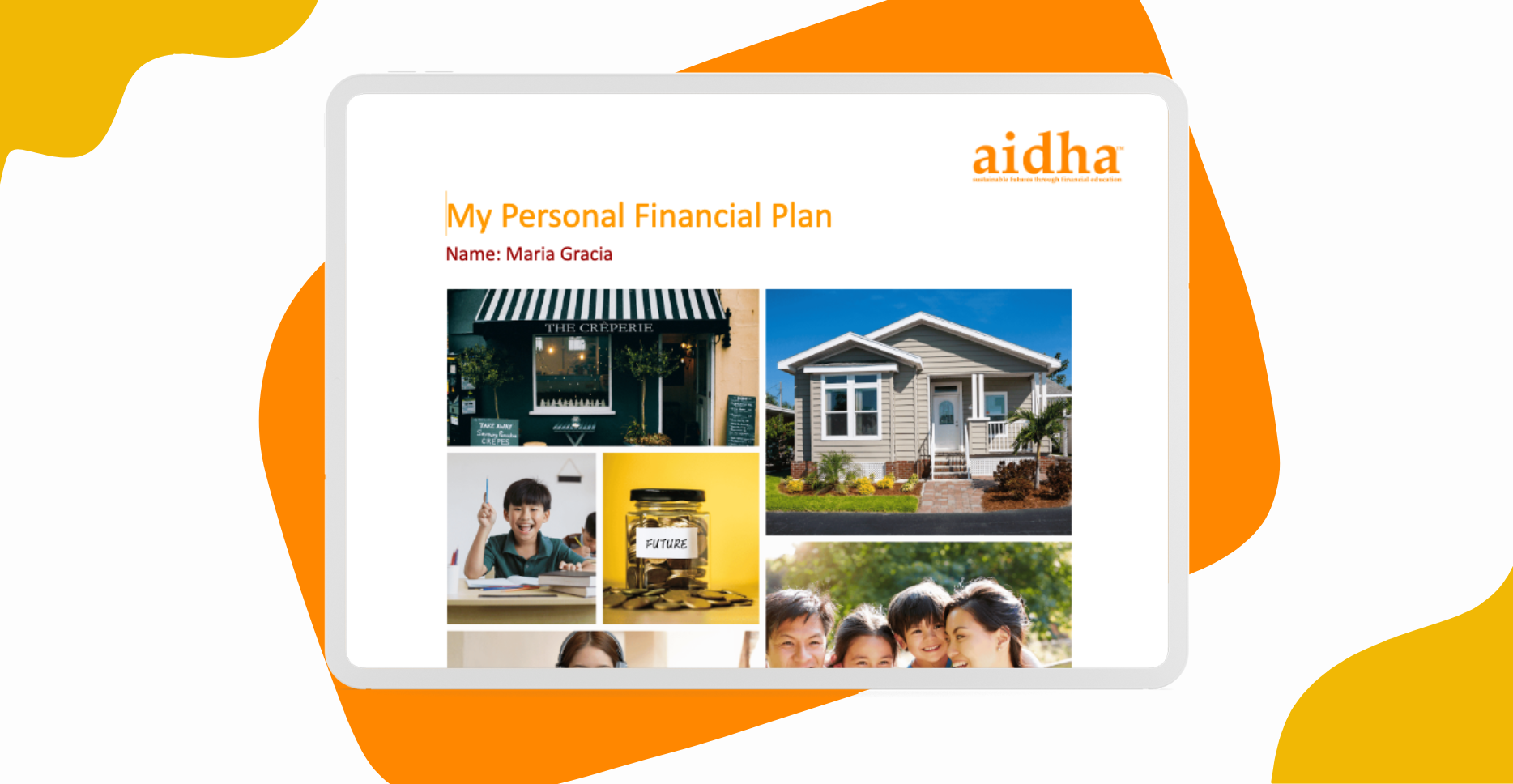
PFP Template
Set up your PFP GoogleDoc template – we’ll help you do this in Session 2
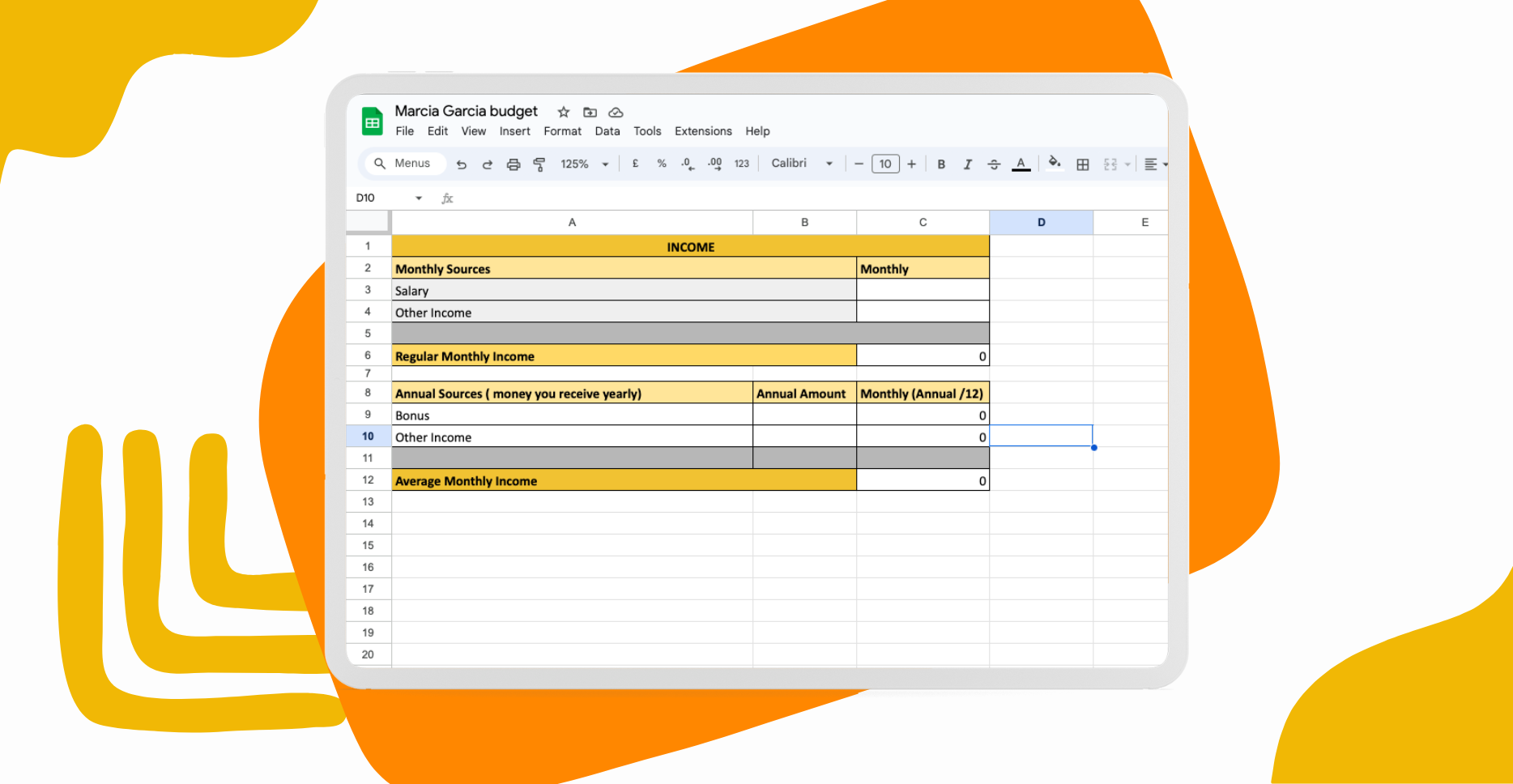
Budget Template
Set up your Budget template – we’ll help you do this is in Session 2
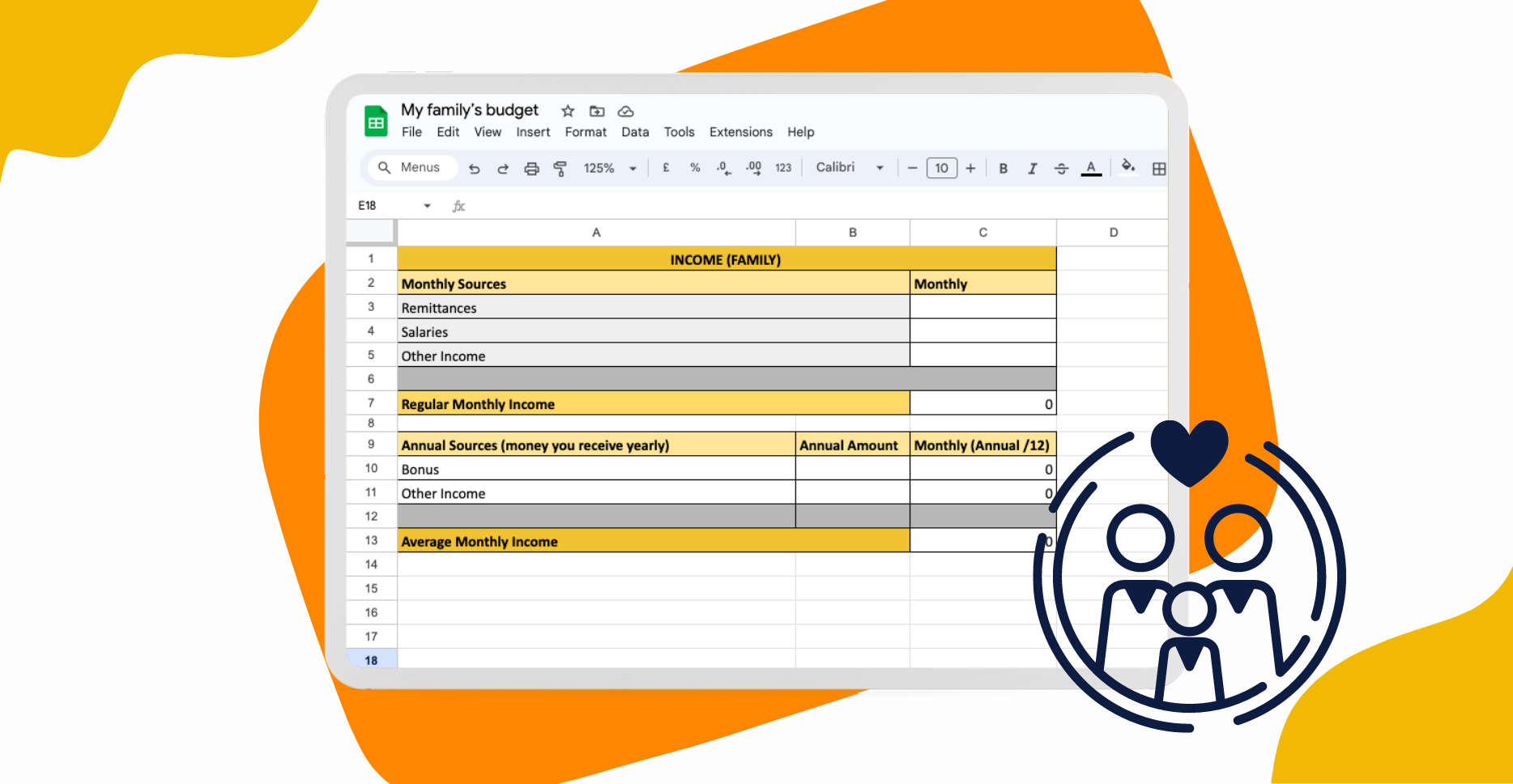
Family Budget Template
Set up a budget for your family – see below for how to set up template
How do I set up my templates?
👩🏽💻 You can ONLY set up your templates on a LAPTOP.
Once you have set up your templates, you can then edit them on your phone or tablet too.
Your mentor will help you set up your PFP template & personal budget template in Session 2. If you wish to create a family budget, you can follow the steps in the video below. Please speak to the Campus Team if you need to use a laptop & they will help you.
FORMS
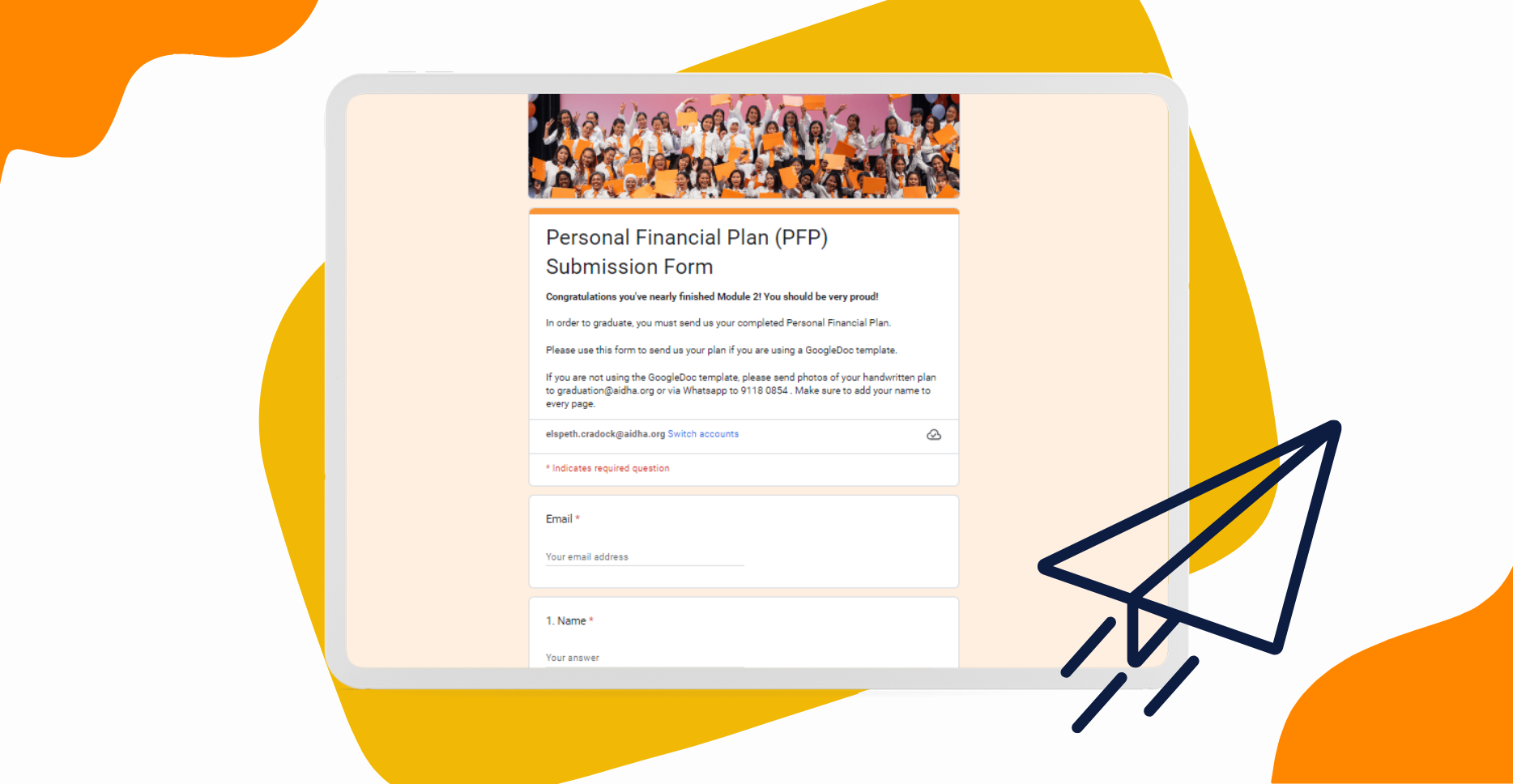
PFP Submission Form
Share a link to your PFP template – we’ll help you do this in Session 11


Follow us!



Contact us!
You can contact us at
+65 9789 4041